Thanks for sharing your list. Several of these are new to me, and look useful.
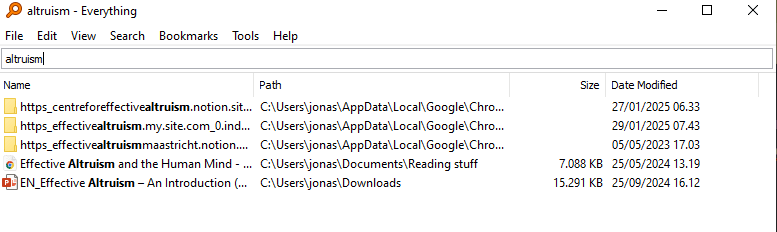
I want to second the recommendation for Everything. It is much faster and easier than the built-in search function on a Windows computer, and it also allows for a variety of parameters to the search. If I want to quickly list out all the files I have related to a particular topic, Everything is what I use. As a simple example "Documents\Docs to Read\" !pdf market|promo would search for files within the Docs to Read folder that have either market or pomo in the title (which would capture marketing and promotion), excluding and PDFs. You can even use regular expressions.
I also want to second the recommendation for Libby for free, legal access to audiobooks and digital books through public libraries.
Thanks for the list! Napkin AI is particularly cool.
Your LibGen link isn't working for me. Its Wikipedia page usually has live (& safe) links in the infobox. Same for Sci-Hub.
One recent service I've found is Readwise. It's similar to Pocket/Instapaper in adding web-pages to read later, but you can also upload your own EPUB and PDFs.
Side note: beeper will kill the e2e encryption for any messaging platforms you trust. It looks like a good tool for everything but signal for me personally!
Same, I love it as well. Though my Facebook connection is broken and will likely never be fully repaired. I can remain logged in until I send a picture, then the connection breaks. And I keep forgetting. I've talked with the support team about it and it seems quite hopeless.
Some tools I think you should know if you don't already
Huh, didn't expect my first post to be this, but here we are..
Please share your own favorite tools in the comments and give suggestions - I will update sporadically!
(also let me know if there are versions of the things I suggest which you think are better)
Some are basic. Some are new & neat. Most also have an app. I use many of them on a weekly or even daily basis. Here we go!
Beeper (pc & app) - (OhMyGodILoveThisSoMuch) for messages
Do you use FB Messenger, Whatsapp, Telegram, Signal?
Beeper collects all your messaging apps. In one.
On laptop it has the #HolyFunction of "unread" filter. It is a godsend for me not to forget people
Yes, you get a list of all your unread messages across all your platforms (that you've chosen to connect)
You can even add Discord, Slack, Linkedin, X, & Instagram.
Calendly (pc & app) (or similar booking service)
Allows people to book a time in your schedule without having to go back and forth suggesting dates. Such a mental energy saver! (but beware of setting your availability well and make sure Calendly checks for conflict with your other events)
Focusmate (pc & app) - accountability calls with strangers
I know several EA's who use it.
Very simple, you jump on when it suits you, mark how much time you're working for, and it will match you with someone. You quickly say hi, what you're working on - and get to it. At the end you do a quick check-in with how it went - and boom, you were hopefully less useless!
ILovepdf - everything you need with pdf's. merging, splitting, converting. My favorite
https://libgen.rocks/index.php - not quite legal but #OpenDigitalFTW you can find /a lot/ of books etc. here - it's where I got most of my university books
https://wetransfer.com/ - for sending larger files (up to 2GB). Can be both as link or send to someone's mail
Libraries
Seriously. They are so rich with awesome stuff and so underutilized.
Fx check your national library website for audiobooks and e-books! (one that might work for you is https://libbyapp.com/ if your library is linked to it)
(Also did you know that you can ask librarians to help you do research or find sources/materials? They are trained in these things!)
Not a resource, but if you live in the Northern hemisphere for the love of God rationality take vitamin D in the dark seasons!
(especially if you have darker skin) Lots of research on it. look it up yourself; I'm lazy.
Clickup (pc & app) - my new favorite productivity app
I have been through a few productivity apps before (primarily Todoist) and recently came upon Clickup, which just does it better IMO.
LOTS of customizability
Views: Kanban, Gant charts, dashboard, timeline, (team) workload, mindmap
all templates integrated
& you can have several for each list to switch between
BUILT IN AUTOMATIONS
I don't understand these things but I'm sure for some it's super juicy
Also some AI capabilities
Integration with your calendar
Can add docs/files directly in app
Lots of automated statistics on your workflow that you can track (& customize!)
Good team functions
Great free plan (few/no limitations to project number & size)
Habitica (pc & app) - if you like gamification of your habits
Cute/fun RPG character building setup
Complete quests & fight bosses through habits & dailies
Tasks can also be added but no good system for them
You can team up!
Waking up (pc & app) - Sam Harris' meditation app
I'm only sharing because you can get it for free if you want. I'm not much fan of that style of meditation myself, but much of the content is still good.
TL;DR
* GOAL 3 is a social enterprise that created IMPALA, a patient monitoring and digital platform system for low-resource settings. There is also a GOAL 3 foundation that raises funds to ensure underserved communities will be reached.
* A recently completed report from Rethink Priorities calculated IMPALA to have a cost per DALY averted of $7–17 in paediatr...
This month effective altruism has gotten lots of attention, including a cover story in The Economist. It feels pretty surreal to be on the receiving end of it. But I feel grateful these ideas have caught on, and even more grateful for the drive, earnestness, and compassion of so many people who took strange but well-argued ideas seriously and then actually acted on them....
Impressions from the 21st Annual U.S. Cluster Headache Patient Conference, organized by Clusterbusters.
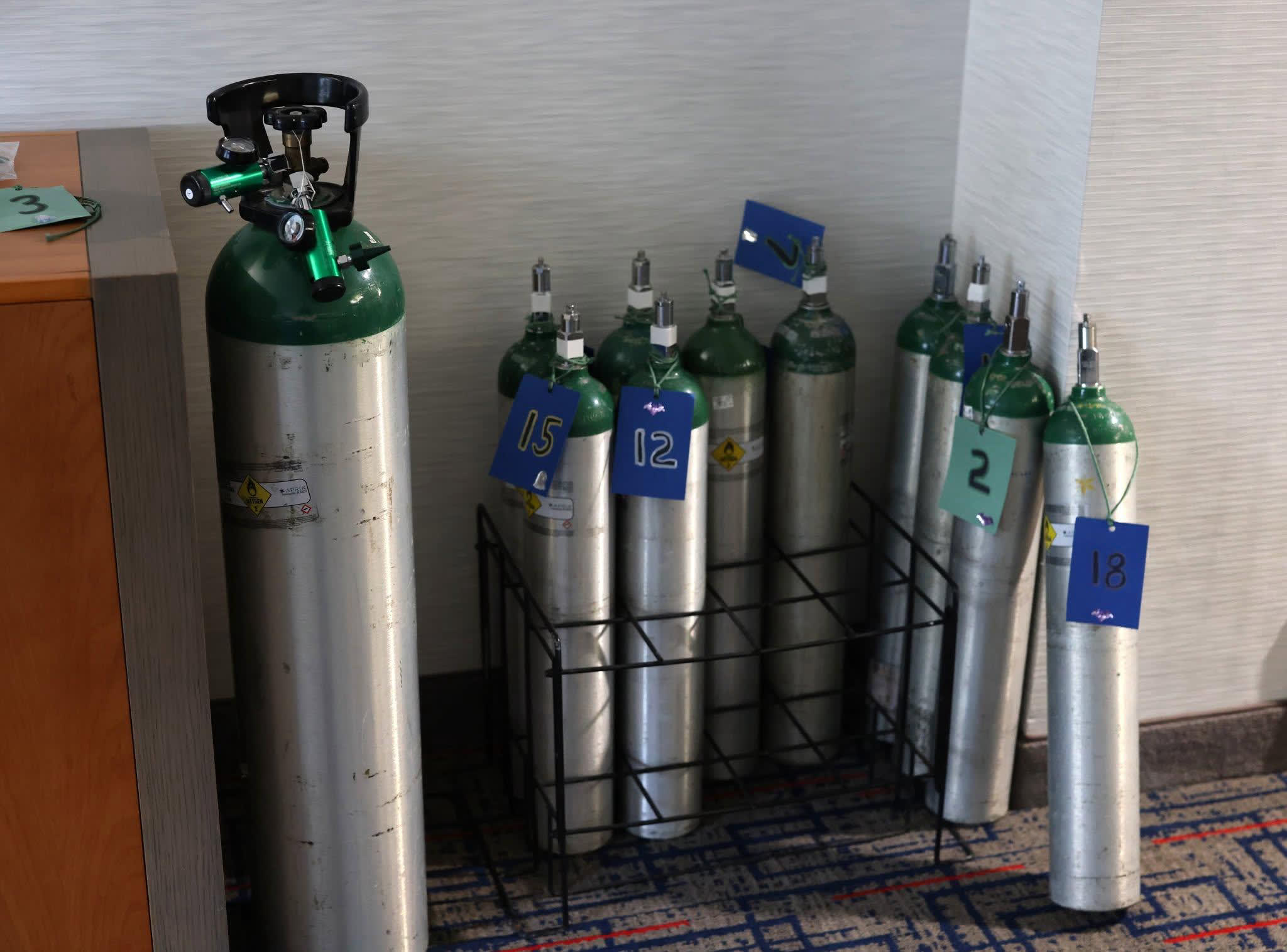
On the morning of the last day of the conference, E. was hanging out with other “clusterheads” outside the conference hotel when he started having a cluster headache attack. Before he could go back to his hotel room, J. offered E. his DMT v...


Thanks for sharing, Jonas! Relatedly, I liked My current AI toolkit by Thomas Manandhar-Richardson (Richie).